
-
 Simulation
-
Job simulator
- Date: 2025-06-16
- Category: Simulation
- Views: 42
- Version: 1.45
- Language: English
- Size: 24.1 MB
Job simulator Screenshots
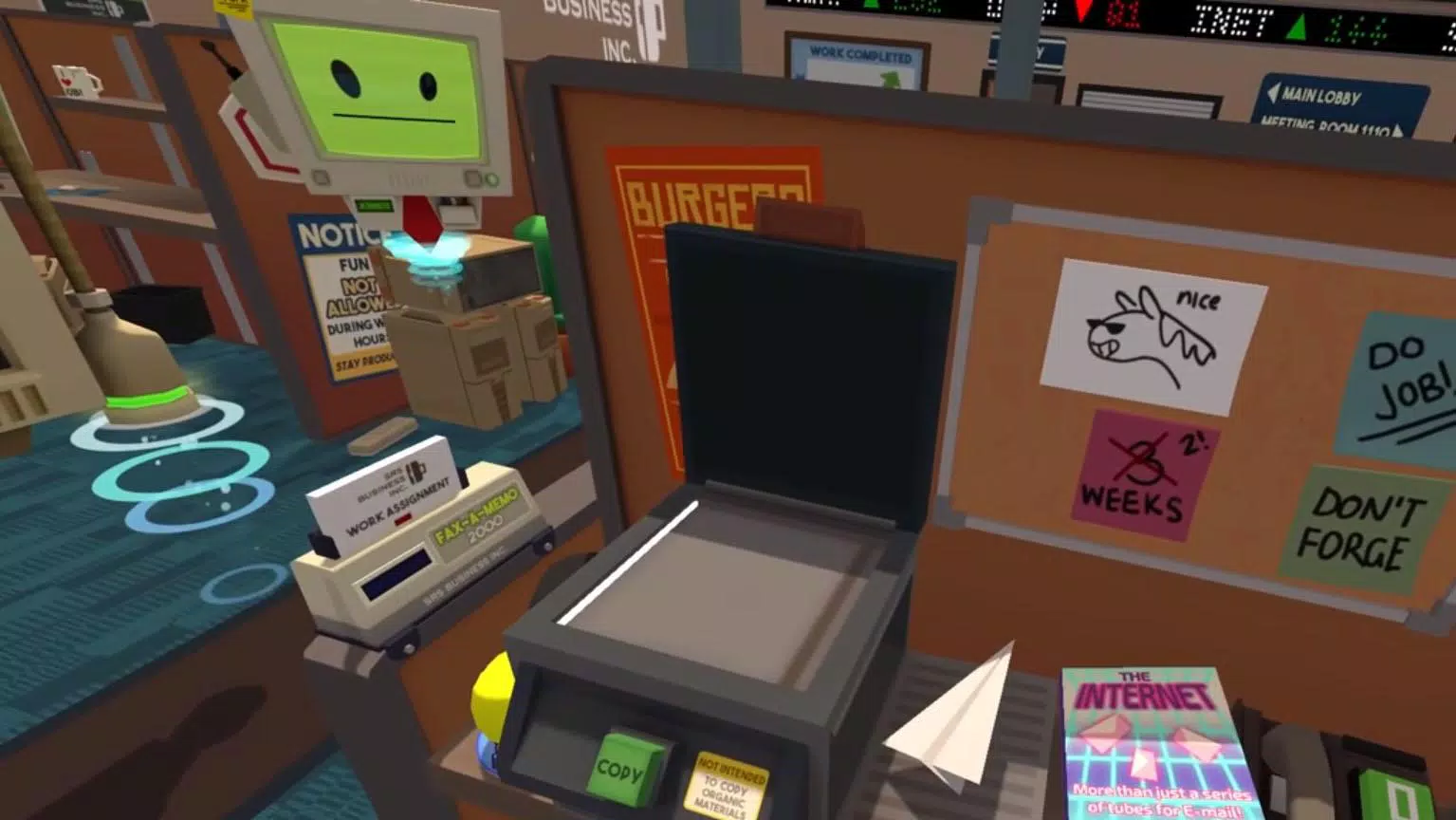
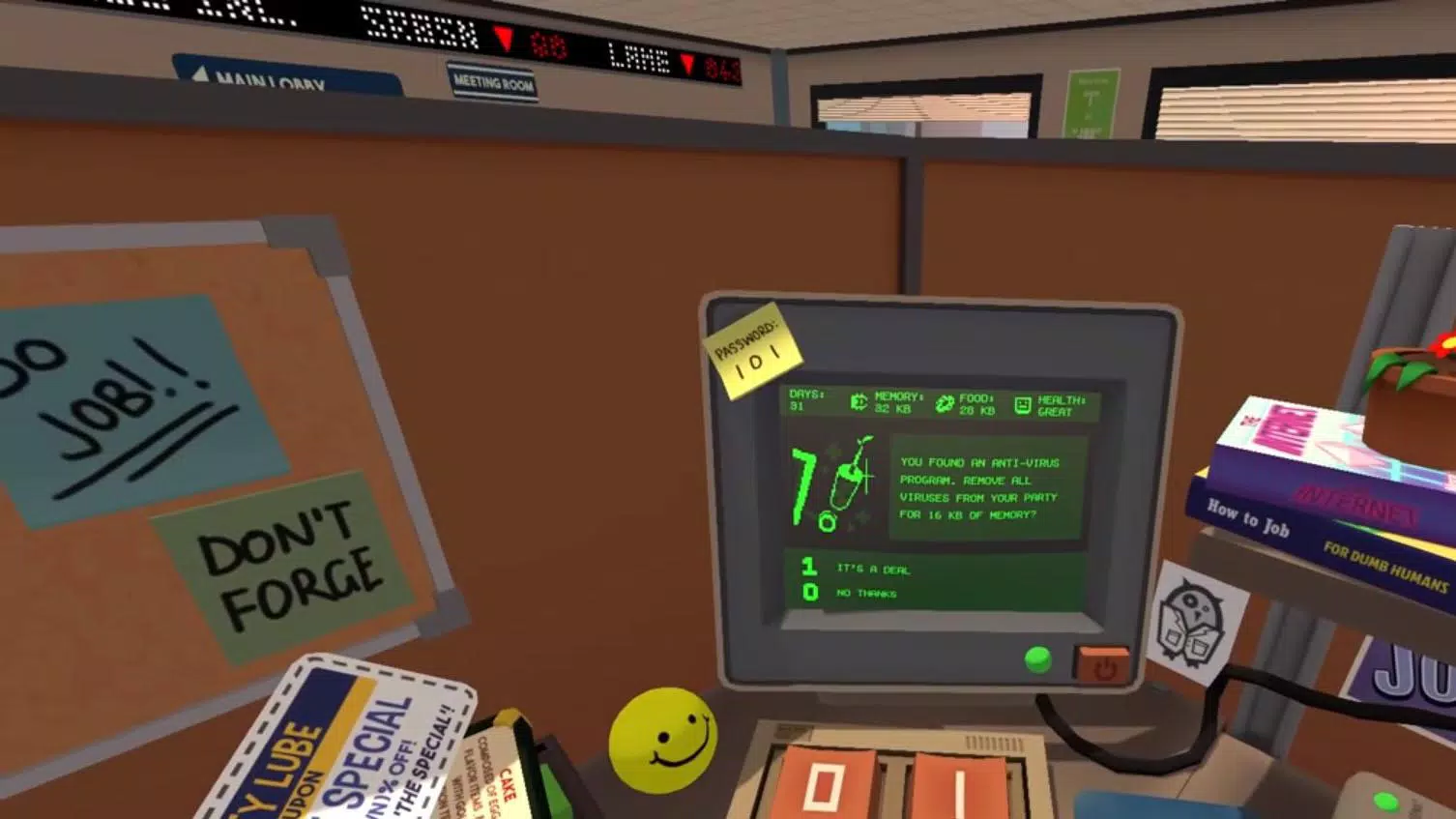
Job simulator Introduction
Job simulator Step into a robotic future with Job Simulator for Android. Choose from playful careers, follow quirky mentors, explore the city, and survive nonstop overtime customers.
Job Simulator
Job Simulator is a popular, realistic-style simulation game where you can pick the job you want and jump into a playful “day at work” experience. As you play, you’ll meet different customers, coworkers, and bosses. You can use various items to cause trouble—or take a break and enjoy a relaxing cup of tea. The game also includes an Unlimited Overtime mode, where customers keep coming nonstop. Decide whether you’ll treat them well or simply ignore them. Ready for a laid-back shift? Step in and enjoy your simulated workday.
Key Features
Comedic Job Training in a Robotic Future
Job Simulator VR for Android delivers a humorous take on everyday employment in a world where robots have replaced human jobs. Made by D.R.C Gamese and available as a free-to-play experience, it mixes first-person interaction with a wink-and-nod approach to work tasks—turning “employment” into something light, silly, and game-like.
Story-Based Simulation with Robotic Mentors
Unlike many mobile simulators that focus only on repeating tasks, Job Simulator VR adds a story-like setup. You play as a rookie robot and receive guidance from quirky robotic mentors as you try different roles, such as:
- Running a convenience store
- Repairing vehicles
- Doing paper-pushing work in an office
Each job includes tutorial guidance, interactive objects, and a distinctly robotic twist on everyday chores—making the game approachable and fun for casual players.
Open Exploration and Plenty of Interaction
The game leans into an open-world style, letting you wander around a city filled with friendly robot characters. While the environment isn’t as large as major PC/VR productions, the emphasis on exploration and light roleplay goes beyond simple “job assignment” gameplay. Talking to other robots leads to short conversations and small surprises, helping the world feel alive rather than static.
VR-Inspired Controls, Built for Mobile
Even though the name hints at full VR, Job Simulator VR is designed for mobile only. You control the experience using touch and swipe actions that create a VR-like feel. For example, you can:
- Grab items
- Press buttons
- Move objects
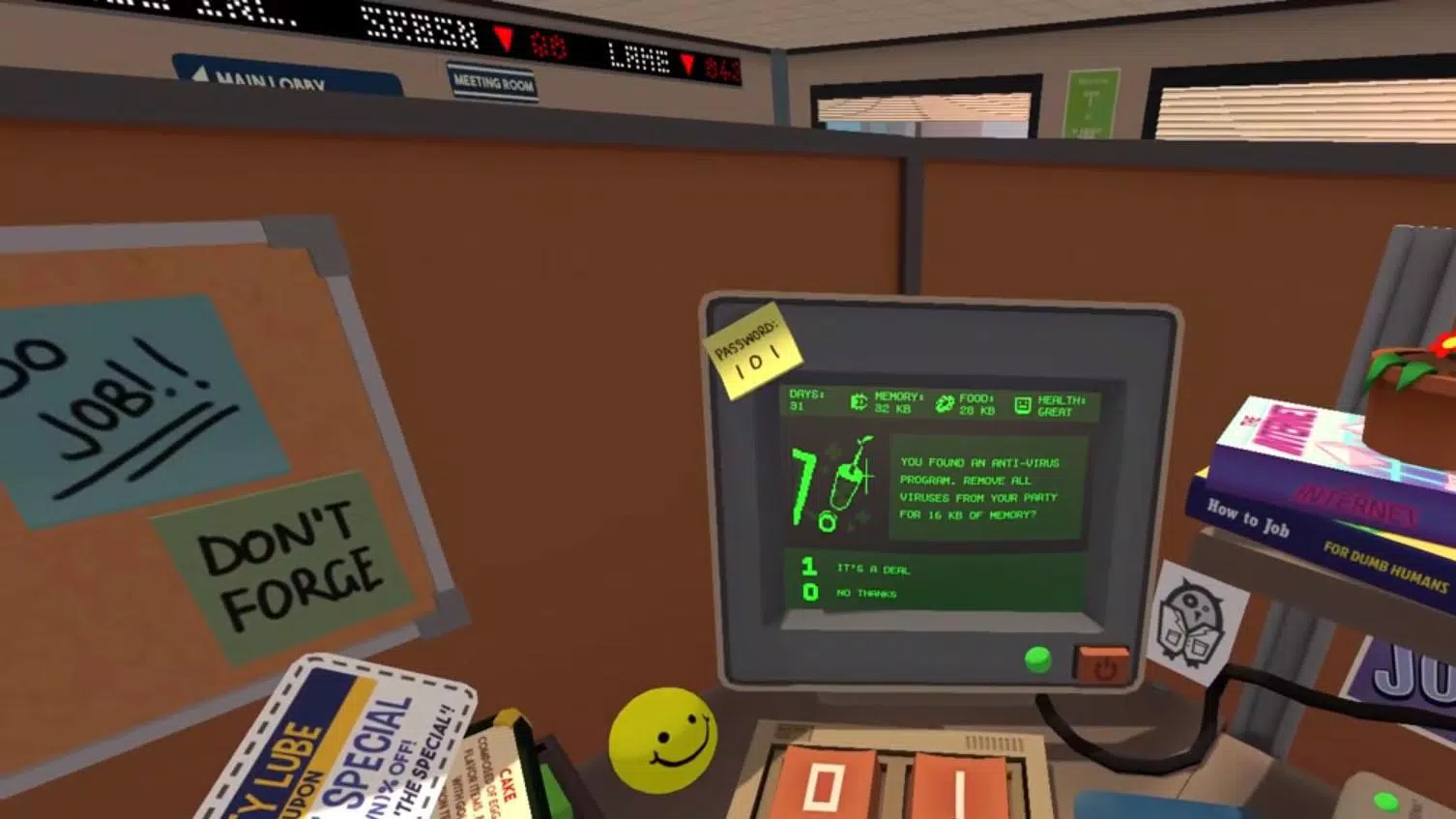
Movement is generally more point-and-tap than smooth, free walking, and some tasks don’t fully match the physical realism you’d see in true VR. That said, it keeps gameplay accessible—though it may disappoint players hoping for a perfectly 1:1 VR port.
What Players Say
“I played this when it launched in 2016 on PS VR…” The player describes the experience as impressive for gaming, mentions only minor differences in job/back details and resolution, and praises hand and finger tracking. They also feel the Vision Pro hardware shows strong potential for future VR-style ports.
“Really enjoying it on Apple Vision Pro…” Another player highlights the variety of jobs and how engaging the gameplay feels. Their main complaint is that hand tracking sometimes drops objects (like causing dropped food while playing as a chef). They’re hoping this will be fixed so they can rate it higher.
“Waiting a long time for Vision Pro…” A player says the game is great overall, but wants higher rendering resolution, noting visible pixels/sub-sampling and that it can make them feel dizzy. They believe the game should better utilize Vision Pro hardware for a clearer image.
Walkthrough
Eggs and Bacon
As soon as you pull the lever to start, hold your hand near the pedestal area close to the stove dial. It may save a little time (around half a second), but it isn’t required.
- Turn the stove dial all the way up.
- With your left hand, open/grab the top-left freezer door.
- With your right hand, grab the bottom-right fridge door.
- Take one egg and one piece of bacon.
- Throw both onto the stove.
- Grab the kettle and a cup.
- Turn the tap fully and splash/fill the cup under the stream.
- Place the cup on the counter.
- Put the kettle under the water stream, grab the task, and continue.
- Set the egg and bacon on a plate, ring the bell, and at the same time place the kettle on the stove and switch to the blender.
Smoothie
While the blender is warming up, drop in two fruits, then grab the mug from behind.
Copyright notice: Content on TianshanNet is for reference only. Copyrights belong to their respective owners.
Page URL: http://tianshannet.com/game/20376.html
- Previous: 888 Game
- Next: Summer’s Gone
Related Recommendations
Related topics

Sandbox game
Dive into a sandbox game collection where you get an open world made for your choices. Roam freely, test ideas, and reshape the environment with your own creativity—without being locked into a strict storyline.







Simulation of all things
Step into a simulation hub where everyday choices turn into limitless possibilities. Test ideas, build worlds, and run experiments in realistic virtual settings, so you can explore new fantasies and learn what’s possible.






The real world.
Step into a collection themed around the real world, where games reflect real feelings, pressures, and everyday challenges. Discover how play can teach skills, support growth, and help you understand yourself—while staying in a safe virtual space.






- Rankings
-
1

Traffix
Simulation
-
2

Car Saler Simulator 2023
Simulation
-
3

Hooked Inc: Fisher Tycoon
Simulation
-
4

Idle Lumber: Business Empire
Simulation
-
5

Tractor Pull
Simulation
-
6

Driving Zone: Germany Pro
Simulation
-
7

Lumber Inc
Simulation
-
8

Farmer Sim 2018
Simulation
-
9

FarmVille 2: Country Escape APK
Simulation
- Featured News



